How to Spot a Phishing Email: 8 Red Flags
By Marcus Hale · · 7 min read
A phishing email tries to make you act before you think — usually by pretending to be a company you trust and pushing you toward a link. The good news: nearly every one of them shows the same handful of tells. Learn these eight red flags and you will catch the vast majority before any harm is done.
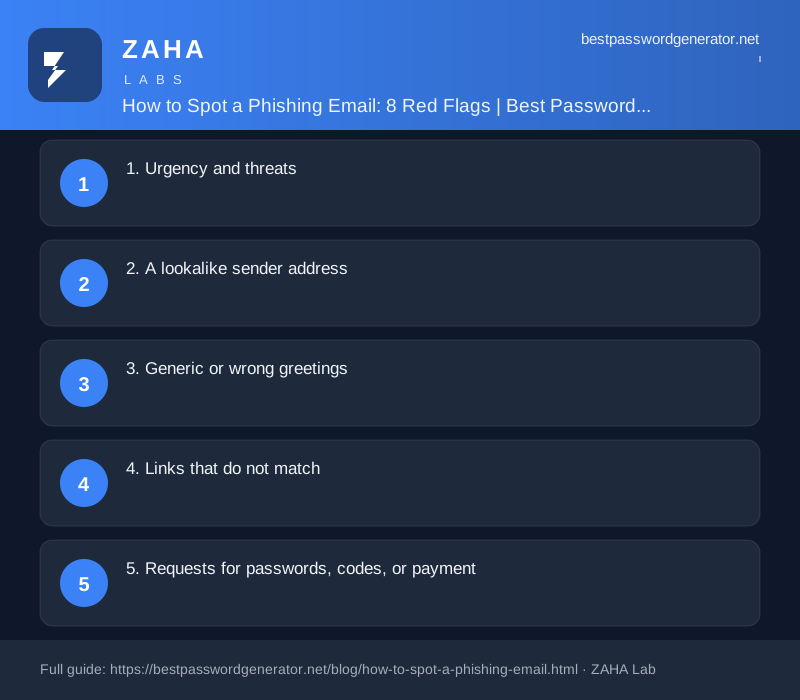
1. Urgency and threats
"Your account will be suspended in 24 hours." "Unusual activity detected — act now." Manufactured panic is the heart of phishing, because a rushed person skips the checks they would normally make. Real companies rarely threaten you into immediate action. When a message tries to start a countdown, that alone is reason to slow down.
2. A lookalike sender address
The display name might say "Your Bank," but the actual address tells the truth. Look closely: [email protected] is very different from [email protected] or [email protected]. Scammers register addresses that are close enough to pass a quick glance. A few seconds reading the full email address catches a lot of fakes.
3. Generic or wrong greetings
"Dear Customer" or "Dear [email protected]" suggests a message blasted to thousands of people rather than written to you. It is not proof on its own — some real emails are generic too — but combined with other flags it is a strong hint.
4. Links that do not match
Before clicking anything, hover your cursor over the link (or press and hold on a phone) to preview where it really goes. If the visible text says one thing and the preview shows an unrelated address, stop. Better yet, ignore the link entirely and reach the site by typing the address yourself or using a saved bookmark.
Habit worth keeping: never log in via a link in an email. Always navigate to the site directly. This single rule defuses most phishing, even the convincing kind.
5. Requests for passwords, codes, or payment
Legitimate organisations do not email asking you to "confirm" your password, your full card number, or a one-time security code. Anyone asking for your 2FA code is almost certainly trying to break into your account — those codes are for you alone. Treat any such request as a scam until proven otherwise.
6. Spelling, grammar, and odd formatting
Clumsy wording, strange spacing, and mismatched logos are classic signs. Attacks are getting more polished, so a clean-looking email is no guarantee of safety — but obvious mistakes are still a reliable giveaway when you see them.
7. Unexpected attachments
An invoice you were not expecting, a "delivery notice" as a file, a document you must "enable content" to read — attachments are a common way to deliver malware. If you did not request the file and were not expecting it, do not open it. Verify with the sender through a channel you trust first.
8. Offers that are too good, or fears that are too big
A surprise refund, a prize you never entered for, an inheritance, a tax rebate — or, on the flip side, a frightening legal threat. Both extremes exist to flood you with emotion so you stop reasoning. If a message makes your pulse jump, that is precisely the moment to pause.
What to do if you slip up
Everyone has a bad day. If you clicked a link, do not enter anything — just close it. If you already typed a password, change it on the real site at once and turn on two-factor authentication; you can build a fresh, strong one with our password generator. If you shared card details, call your bank. Phishing is also the on-ramp for many wider scams, which we cover in common online scams in 2026 and how to avoid them. For the broader habits that keep you protected, see our web security basics guide.
Frequently asked questions
What is phishing?
Phishing is a scam where someone impersonates a trusted person or company to trick you into handing over passwords, money, or personal details, usually through email, text, or a fake website.
I clicked a phishing link. What should I do?
Do not enter any details. Close the page. If you already typed a password, change it immediately on the real site and turn on two-factor authentication. If you shared card details, contact your bank.
How can I tell if an email link is fake?
Hover over the link without clicking to preview the real destination. Check that the domain is exactly the official one. When in doubt, ignore the link and type the company's address yourself.
Can phishing come through text messages too?
Yes. The same tactics arrive by SMS (smishing) and phone calls (vishing). The red flags are identical: urgency, a request for details or payment, and a link or number you did not ask for.
This article is general security education, not professional advice.